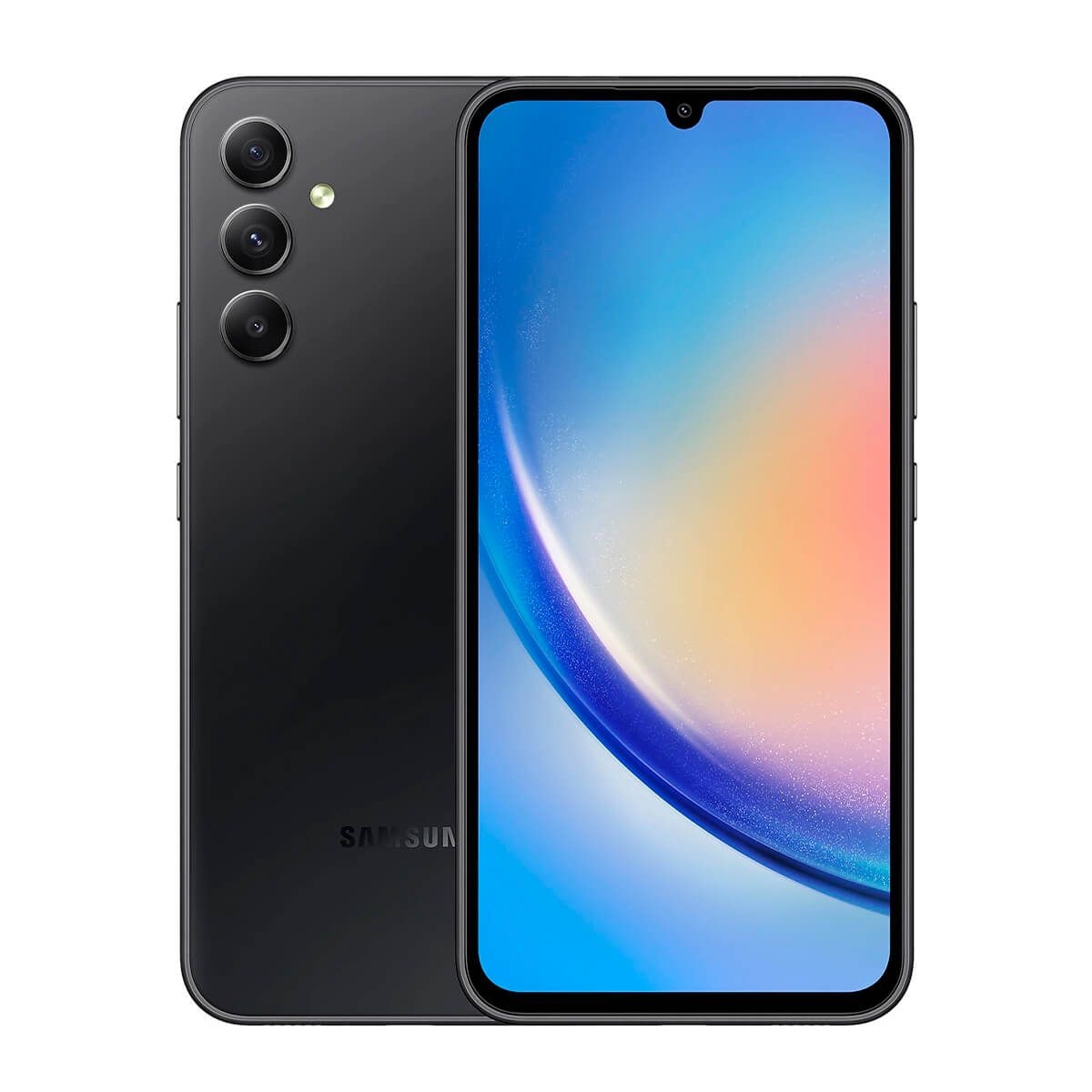
samsung galaxy s10+ stands as a pinnacle of smartphone innovation, combining cutting-edge technology with user-centric features that redefine what a mobile device can do. From its stunning display to its powerful camera, the S10+ is designed to meet the needs of both casual users and tech enthusiasts alike.
This flagship model boasts impressive specifications, including a vibrant display, efficient processor, and remarkable battery life that keeps pace with modern demands. The unique features of the S10+ set it apart from its predecessors and competitors, making it a formidable choice in today’s smartphone market.
Specifications and Features
The Samsung Galaxy S10+ stands out in the competitive smartphone market with its impressive specifications and innovative features. With advancements over its predecessors, the S10+ offers a perfect blend of performance, display quality, and camera capability, appealing to both tech enthusiasts and casual users alike.
The Galaxy S10+ is equipped with a 6.4-inch Dynamic AMOLED display, boasting a resolution of 3040 x 1440 pixels, which provides stunning clarity and vibrant colors. Under the hood, it is powered by the Exynos 9820 (or Snapdragon 855 depending on the region) processor, ensuring smooth multitasking and performance for demanding applications. The device also comes with options for 8GB or 12GB of RAM paired with either 128GB or 512GB of internal storage, expandable via microSD. The battery life is robust, featuring a 4100mAh battery that supports both fast and wireless charging, making it capable of lasting through even the heaviest usage days.
Unique Features
What sets the S10+ apart from its predecessors and competitors are its distinctive features that enhance the user experience. These features include:
- Infinity-O Display: The front camera is placed within the screen as a small cutout, offering an uninterrupted viewing experience.
- Ultrasonic Fingerprint Sensor: This in-display fingerprint scanner uses ultrasonic waves for secure and quick unlocking, even in wet conditions.
- Reverse Wireless Charging: Allows users to wirelessly charge other compatible devices by placing them on the back of the S10+, providing convenience for on-the-go charging.
These features emphasize Samsung’s commitment to innovation, creating devices that not only meet but exceed user expectations.
Camera Capabilities
The camera system of the Samsung Galaxy S10+ is one of its most significant attributes, featuring a triple-lens setup on the rear. It includes a 12MP wide-angle lens, a 12MP telephoto lens, and a 16MP ultra-wide lens, each contributing to versatility in photography.
The ability to switch between different lenses allows users to capture a wide range of scenes, from expansive landscapes to detailed close-ups.
The S10+ also excels in low-light photography, thanks to its advanced Night Mode capabilities. This feature automatically enhances brightness and reduces noise in dimly lit environments, ensuring clarity and detail in nighttime shots.
The front-facing dual camera setup, which includes a 10MP main camera and an 8MP depth sensor, enhances selfies with features like Live Focus for background blur and various beauty modes. High-resolution video recording capabilities include up to 4K at 60 frames per second, making it a powerful tool for content creators.
The overall camera experience is further enhanced by AI technology that automatically suggests the best scene modes, ensuring optimal settings for various environments. With these extensive camera capabilities, the Samsung Galaxy S10+ transforms photography into an effortless and enjoyable experience, appealing to both amateur and professional photographers.
User Experience and Performance
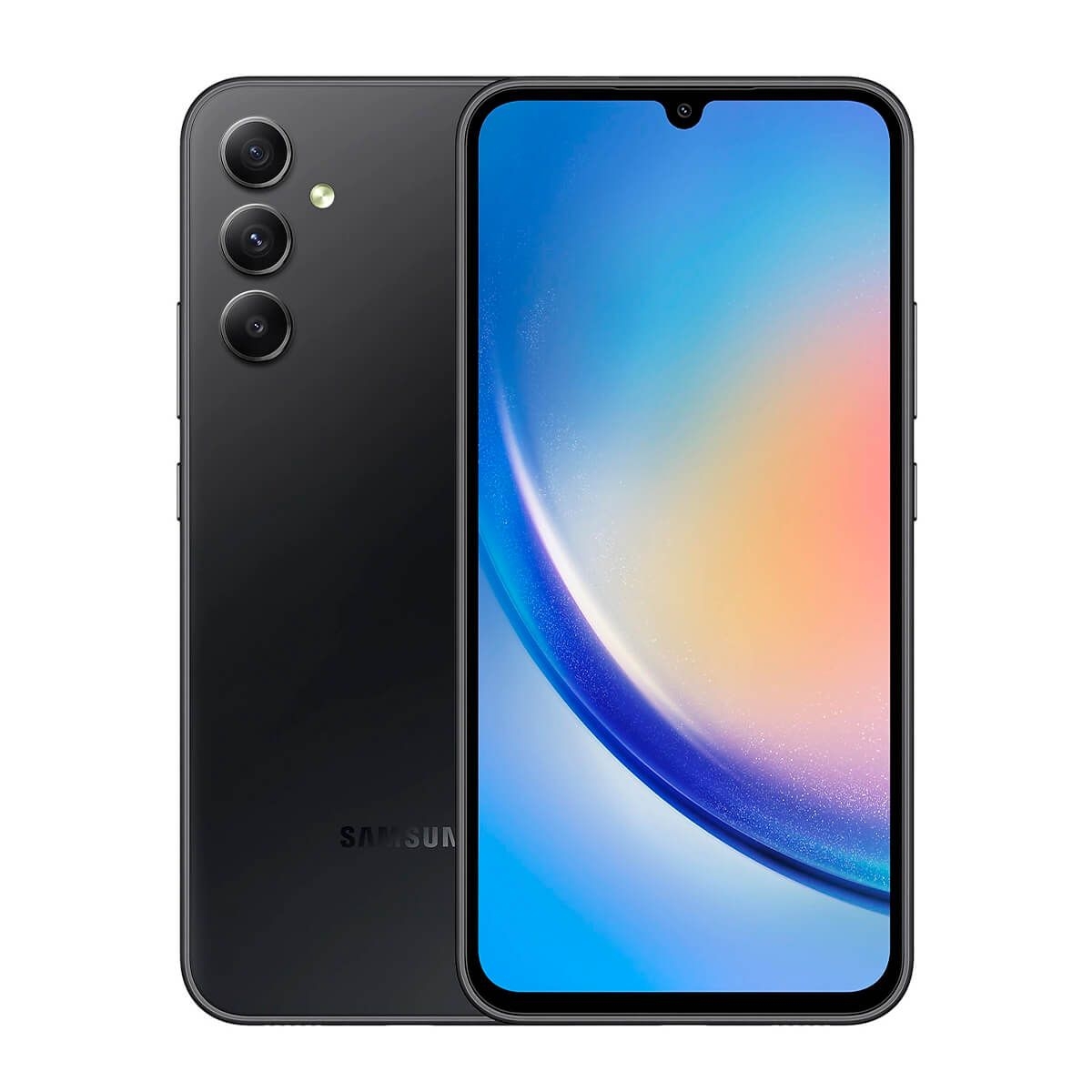
The Samsung Galaxy S10+ stands out in the smartphone market not only for its impressive specifications but also for its user experience and overall performance. The device merges cutting-edge technology with an intuitive interface, providing users with a seamless and engaging experience. Whether navigating through apps, gaming, or multitasking, the S10+ performs with remarkable efficiency and speed.
The One UI, Samsung’s proprietary user interface, enhances the experience on the Galaxy S10+. This interface is designed to be user-friendly, featuring a clean layout and simple navigation. Users appreciate the customization options, allowing them to tailor the phone to their preferences. Key features include an improved night mode for easier use in low-light conditions and the ability to swipe between apps with ease. The overall design philosophy promotes a more immersive experience, which is particularly beneficial when consuming media or gaming.
Performance Metrics in Real-World Scenarios
The performance of the Galaxy S10+ is robust, especially in demanding scenarios such as gaming and multitasking. Equipped with the Qualcomm Snapdragon 855 (or Exynos 9820 in some regions) and up to 12GB of RAM, the S10+ handles resource-intensive tasks without a hitch. Users report fluid performance in popular mobile games like PUBG Mobile and Fortnite, with high frame rates and minimal lag, even during extended gaming sessions.
For multitasking, the device allows users to run multiple applications simultaneously without significant slowdowns. The split-screen feature enables users to engage in activities like browsing the web while watching videos, enhancing productivity and entertainment. Real-world tests indicate that the S10+ maintains excellent performance levels, rarely dropping frames or crashing during intense use.
Comparison with Other Flagship Smartphones
When comparing the Galaxy S10+ to other flagship smartphones available in the market, it is clear that Samsung has positioned itself as a leader in user experience and performance. Competing devices such as the iPhone 11 Pro Max and Google Pixel 4, while powerful, often exhibit different strengths and weaknesses. The Galaxy S10+ offers a more versatile experience with its customizable interface and superior multitasking capabilities.
In terms of raw performance, the S10+ holds its own against the iPhone 11 Pro Max, especially in graphics-heavy applications. While Apple devices are often praised for their optimization, the S10+ provides a compelling option for Android enthusiasts who seek a device that excels in gaming and daily productivity. The integration of features like wireless PowerShare, which allows users to charge other devices wirelessly, and an expansive battery life further enhance its appeal compared to competitors.
In summary, the Samsung Galaxy S10+ excels in user experience and performance, offering a refined interface and robust hardware that meets the needs of modern users, whether they are gamers, professionals, or casual users.
Accessories and Customization
The Samsung Galaxy S10+ is not just a smartphone; it’s a canvas for personalization. To enhance the experience, selecting the right accessories and customizing settings is essential. This guide explores the best accessories available and how to tailor your S10+ to meet your unique preferences.
Best Accessories for Samsung Galaxy S10+
Quality accessories can significantly enhance the functionality and protection of your Galaxy S10+. Here are some top recommendations:
- Cases: Cases are crucial for protecting your device. Consider the following options:
- Spigen Tough Armor: Known for its dual-layer protection, this case offers robust defense against drops.
- OtterBox Defender Series: This heavy-duty case provides multi-layer protection and includes a screen protector.
- Samsung Clear View Standing Cover: This case not only protects but also allows you to see notifications without opening it, with a sophisticated flip design.
- Screen Protectors: To keep your display pristine, consider high-quality screen protectors:
- amFilm Glass Screen Protector: Known for its clarity and durability, it offers excellent protection against scratches.
- EZ Fit Glass Screen Protector: This product is easy to install and provides edge-to-edge protection.
- Wireless Earbuds: Enhance audio experience with accessories like the Samsung Galaxy Buds+, which offer seamless integration and premium sound quality.
- Power Banks: Stay charged on the go with power banks like the Anker PowerCore, which delivers quick charging capabilities.
Customizing Settings for Personalized Experience, Samsung galaxy s10+
The Galaxy S10+ offers numerous customization options that can enhance user experience and efficiency. Here are key settings to consider adjusting:
- Display Settings: Adjust the resolution for better battery life or screen quality. Navigate to Settings > Display > Screen resolution to select your desired option.
- Navigation Bar: Customize the navigation buttons or opt for gesture navigation for a more immersive experience. Access this via Settings > Display > Navigation bar.
- Always On Display: Personalize your Always On Display settings to show your preferred information such as notifications, calendar events, or images. This can be configured in Settings > Lock screen > Always On Display.
- Themes and Icons: Utilize the Galaxy Store to download various themes and icon packs, allowing you to change the overall look of your device.
Popular Apps Enhancing Functionality
The Galaxy S10+ supports a plethora of apps designed to enhance its capabilities, making daily tasks more manageable and enjoyable. Here are some popular picks:
- Microsoft Office: Perfect for productivity on the go, enabling you to create and edit documents effortlessly.
- Adobe Lightroom: A powerful photo editing app that allows for professional-grade modifications to your images.
- Tasker: A versatile automation app that enables you to create custom workflows for your device, enhancing efficiency.
- Samsung DeX: This app allows you to use your phone as a desktop computer, providing a full desktop experience when connected to a monitor.
With the right accessories and personalization, your Samsung Galaxy S10+ can become a reflection of your style and functional needs, ensuring an optimal user experience.
The Galaxy Note 2 remains a noteworthy device for tech enthusiasts, offering a unique blend of functionality and style. With its large display and impressive multitasking capabilities, it paved the way for future smartphones. Though it may not compete with today’s flagship models, its legacy endures in the hearts of loyal users who appreciate its innovative design and features.
Troubleshooting and Support
When using the Samsung Galaxy S10+, users may encounter various issues that can affect their experience. Understanding common problems and their solutions can enhance user satisfaction and ensure that the device operates smoothly. This section details troubleshooting steps for frequent issues, offers support resources for users, and provides tips for maintaining optimal performance over time.
Common Issues and Troubleshooting Steps
The Samsung Galaxy S10+ is a powerful device, but like any smartphone, it can experience problems. Below are some common issues and their respective troubleshooting steps:
1. Battery Draining Quickly: If your device’s battery seems to deplete faster than expected, consider the following steps:
– Check for battery-hungry applications in Settings > Battery > Battery usage.
– Disable unnecessary background apps by accessing Settings > Apps and selecting “Force Stop” on the apps you don’t need running.
– Ensure location services are only enabled when necessary by adjusting settings in Location under Settings.
2. Overheating: An overheating device can be concerning. To address this, try:
– Removing the case and allowing the phone to cool down.
– Closing unused applications or running applications in safe mode to identify problematic apps.
– Keeping the device updated with the latest software from Settings > Software update.
3. Network Connectivity Issues: For problems related to Wi-Fi or mobile data:
– Restart your router if facing Wi-Fi issues or toggle Airplane Mode on and off to reset the connection.
– Reset the network settings by navigating to Settings > General management > Reset > Reset network settings.
4. App Crashes or Freezing: If an app frequently crashes:
– Clear the app’s cache by going to Settings > Apps, selecting the app, and tapping on “Storage” to clear the cache.
– If the problem persists, uninstall and reinstall the app to ensure you have the latest version.
Official Support Resources
Samsung provides a range of support resources for Galaxy S10+ users. Engaging with these resources can expedite issue resolution:
– Samsung Members App: This app provides direct access to customer support, diagnostics, and community forums where users can share experiences and solutions.
– Samsung’s Official Website: The support section contains FAQs, user manuals, and troubleshooting guides tailored specifically for the Galaxy S10+.
– Community Forums: Engaging in the Samsung Community forums allows users to connect with fellow Galaxy owners, sharing insights and solutions for common problems.
Device Maintenance and Performance Optimization
To ensure the Galaxy S10+ runs efficiently over time, regular maintenance is essential. Below are tips for maintaining the device and optimizing performance:
– Regular Software Updates: Keeping the software updated is crucial for security and performance improvements. Users can check for updates in Settings > Software update.
– Storage Management: Maintaining ample storage space can prevent sluggish performance. Users should regularly remove unused apps and clear old files.
– Optimize Battery Usage: Utilize the built-in battery optimization feature in Settings > Battery to extend battery life, especially for apps that drain power excessively.
– Avoid Extreme Conditions: Protect the device from extreme temperatures, moisture, and physical impact to maintain its functionality and longevity.
Regular maintenance and timely troubleshooting can significantly enhance the user experience of the Samsung Galaxy S10+.
Helpful Answers: Samsung Galaxy S10+
What is the battery life of the samsung galaxy s10+?
The samsung galaxy s10+ offers up to 24 hours of talk time on a single charge, making it ideal for all-day use.
Does the samsung galaxy s10+ support wireless charging?
Yes, the samsung galaxy s10+ supports both wireless charging and reverse wireless charging for added convenience.
What are the camera specifications of the samsung galaxy s10+?
The samsung galaxy s10+ features a triple rear camera setup that includes a 12MP wide, a 12MP telephoto, and a 16MP ultra-wide lens for versatile photography options.
Can I customize the user interface on the samsung galaxy s10+?
Absolutely! The samsung galaxy s10+ allows extensive customization options for the home screen, themes, and app layouts to suit personal preferences.
Is the samsung galaxy s10+ water-resistant?
Yes, the samsung galaxy s10+ is rated IP68 for water and dust resistance, allowing it to withstand immersion in water up to 1.5 meters for up to 30 minutes.
If you’re looking to upgrade your smartphone, checking out the latest promotion iPhone can be a game-changer. These promotions often feature significant discounts and exclusive offers, making high-end devices more accessible. Staying updated on these deals allows you to snag the best price on the latest iPhone models, ensuring you don’t miss out on an opportunity to enhance your mobile experience.